

Dear users: a new version of Winmaker 10 is now available.
Update details

- Added profile 11224 Marco DC 58-66.
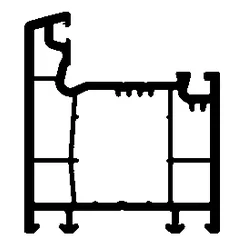
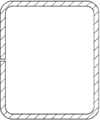
Muchtek has updated frame profile 11220, replacing it with 11224. The new profile has different dimensions, so after updating Winmaker, products will calculate windows and doors using this profile by default.

New features and tools!
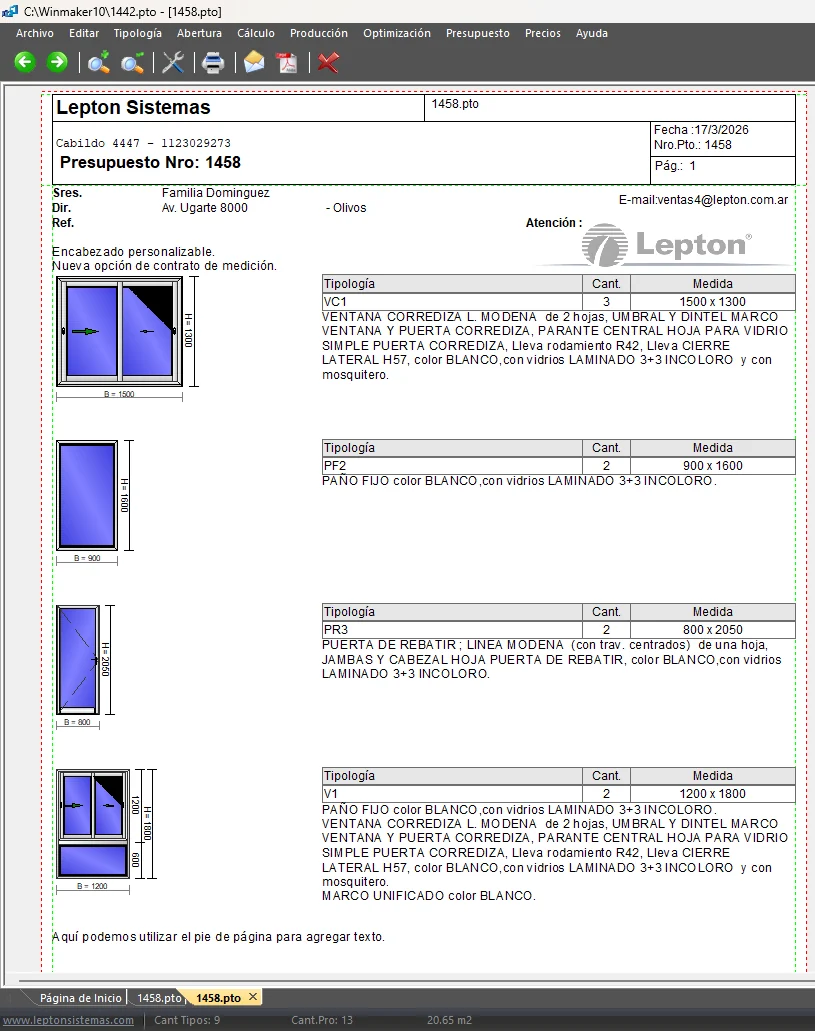
This tool automatically generates a clear, professional document from the quotation, including configurations, quantities, dimensions and technical descriptions for each item. It formalises the site survey stage with the end customer, reducing errors and improving information traceability before production.
Glass labels now show configuration and product information.
Glass part identification on labels and plans has been improved to show both the product and its associated configuration. This gives the factory clearer information for projects with multiple variants, making it easier to identify the solution associated with each part without relying solely on the product code.
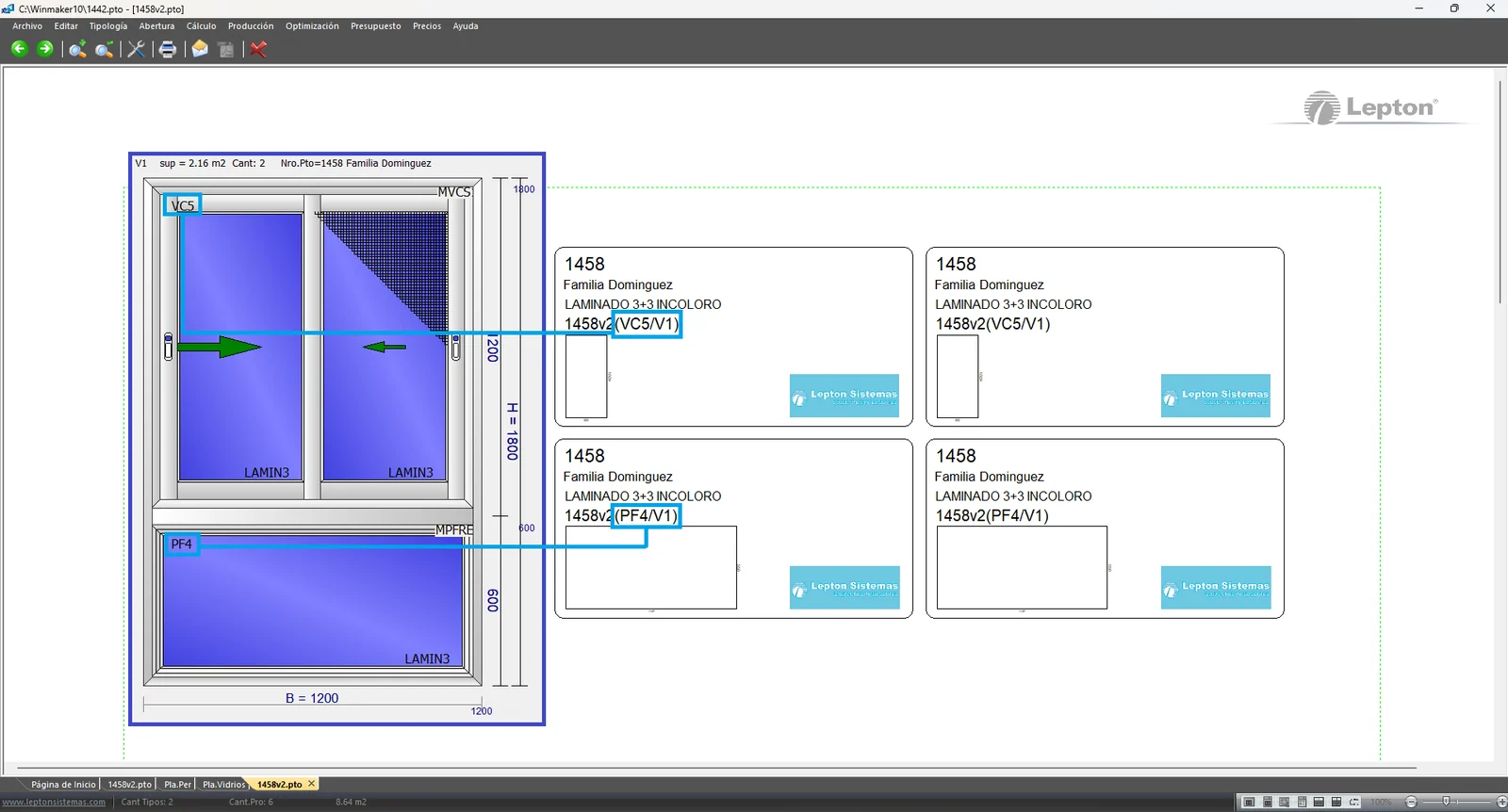
Glass optimisation plans now show the configuration identifier alongside the product. This is particularly useful for composite configurations, making it easier to link each optimised part to its original design and maintain consistency between plans, labels and technical documentation.
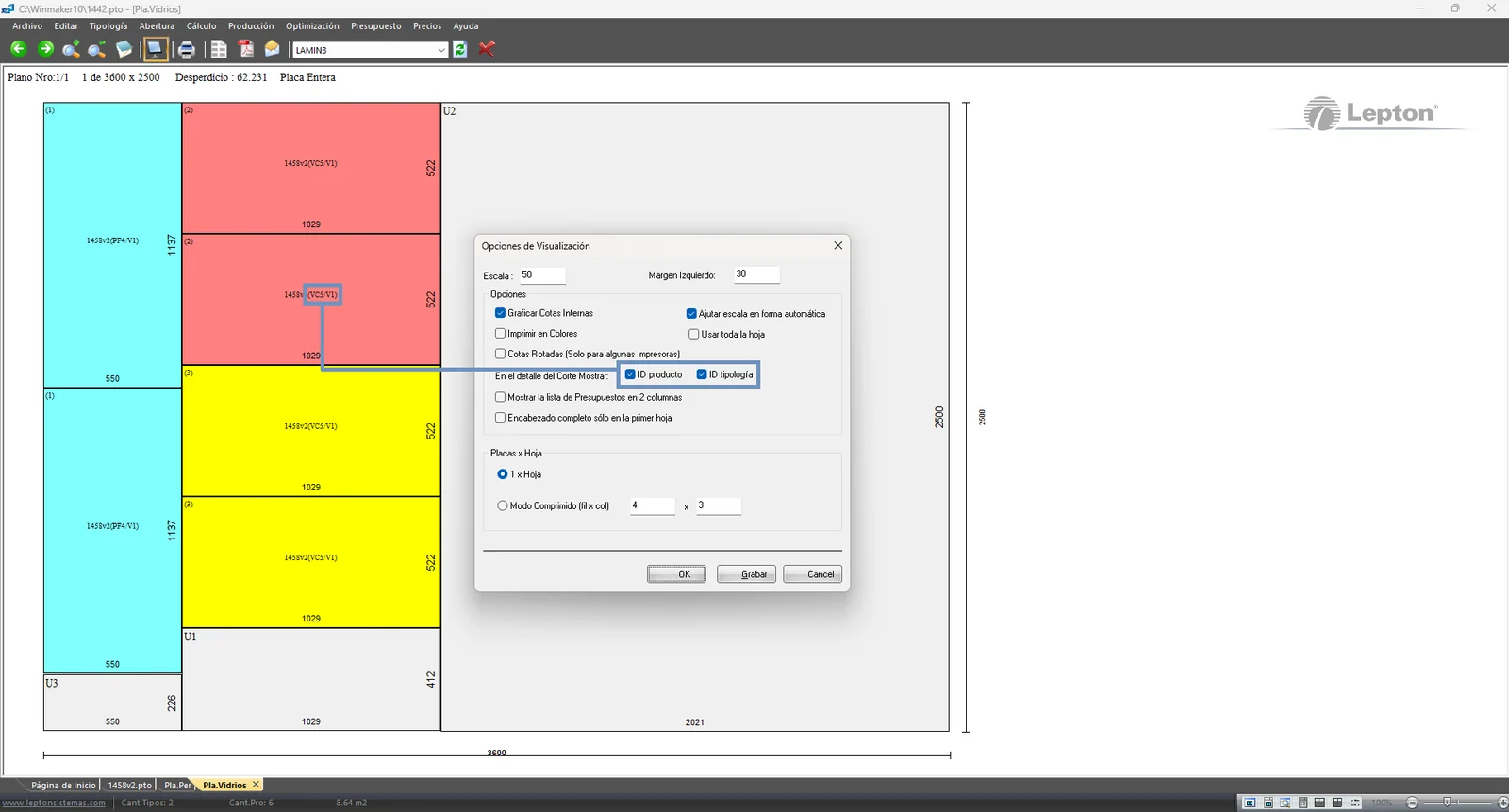
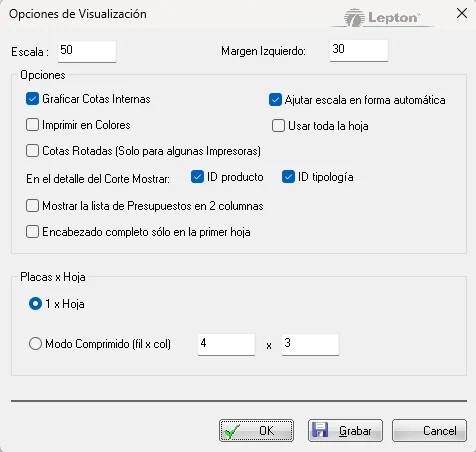
- Compact mode
- Show list in two columns
- Adjust scale automatically
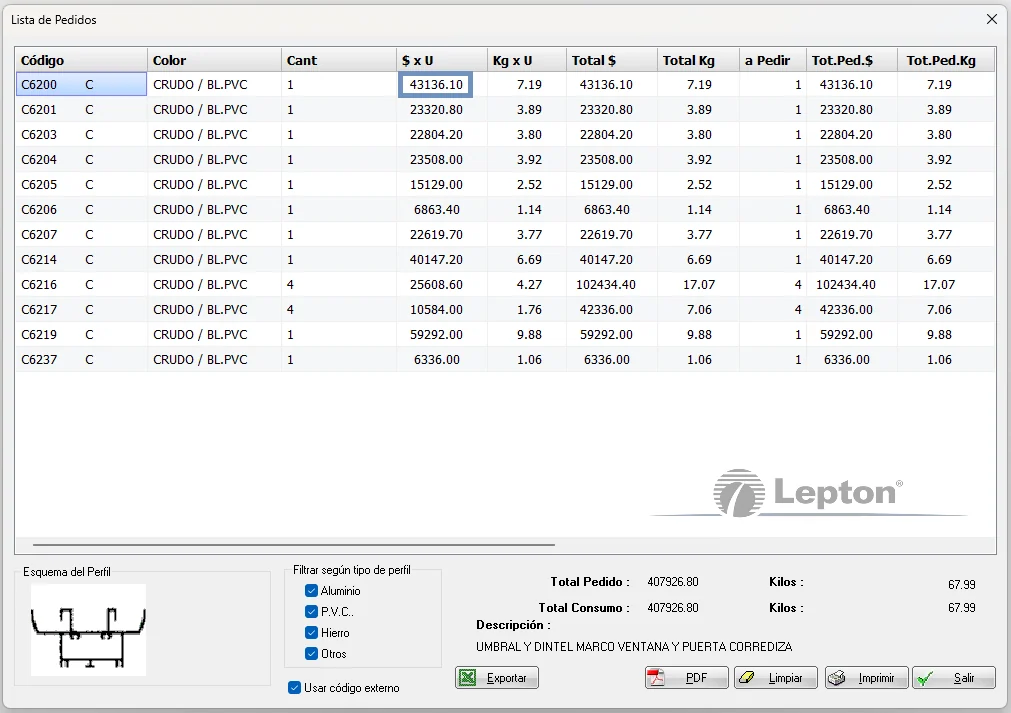
The display of amounts in certain price lists has been corrected for values with many digits, preventing numbers from shifting or becoming illegible. Amounts now display correctly on screen and in exports, with clear formatting and no loss of information.
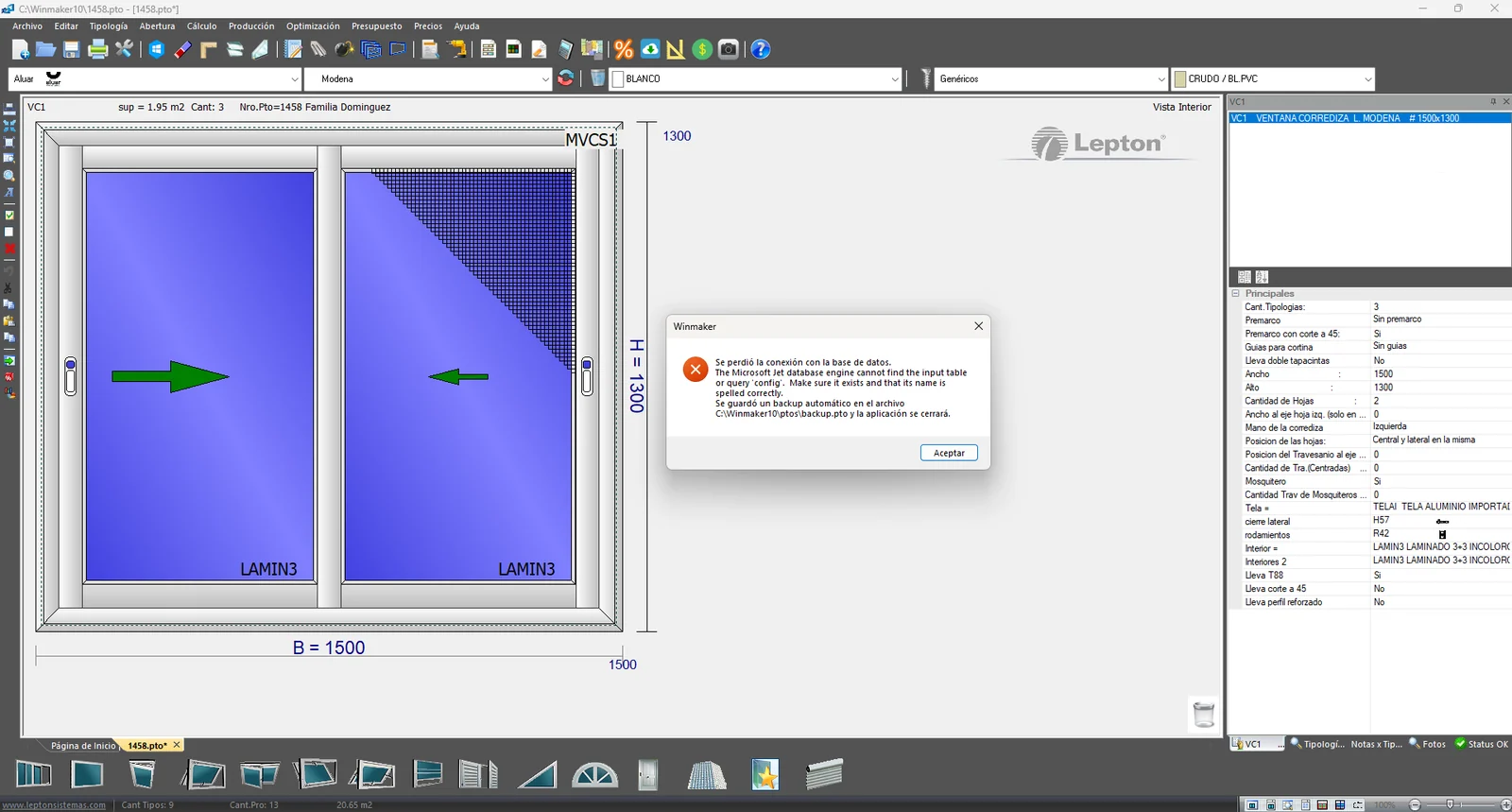
An automatic safeguard saves work in progress when a database access error is detected. If the connection is lost, the system saves the project in a recoverable backup file, reducing the risk of losing progress when communication with the database is interrupted.

- Added the E4 range.
- Coming soon: the E4 Lite range.

- New Reze hardware brand.

- Price update.

- Added hardware colours:
White
Grey
Black
Brown

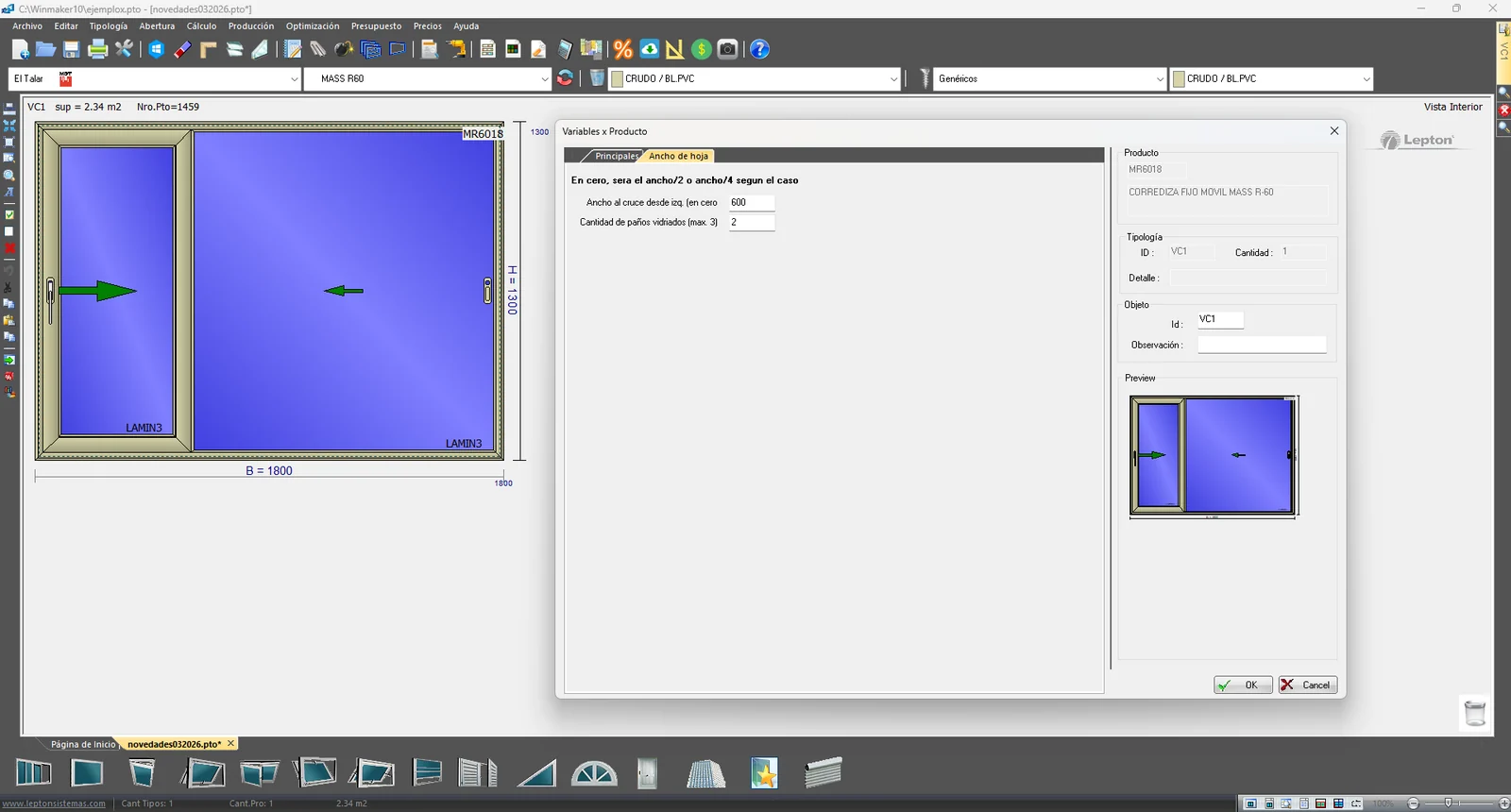
- New product: fixed/sliding unit in MASS R60.

- Added new profiles to the 7460 range.

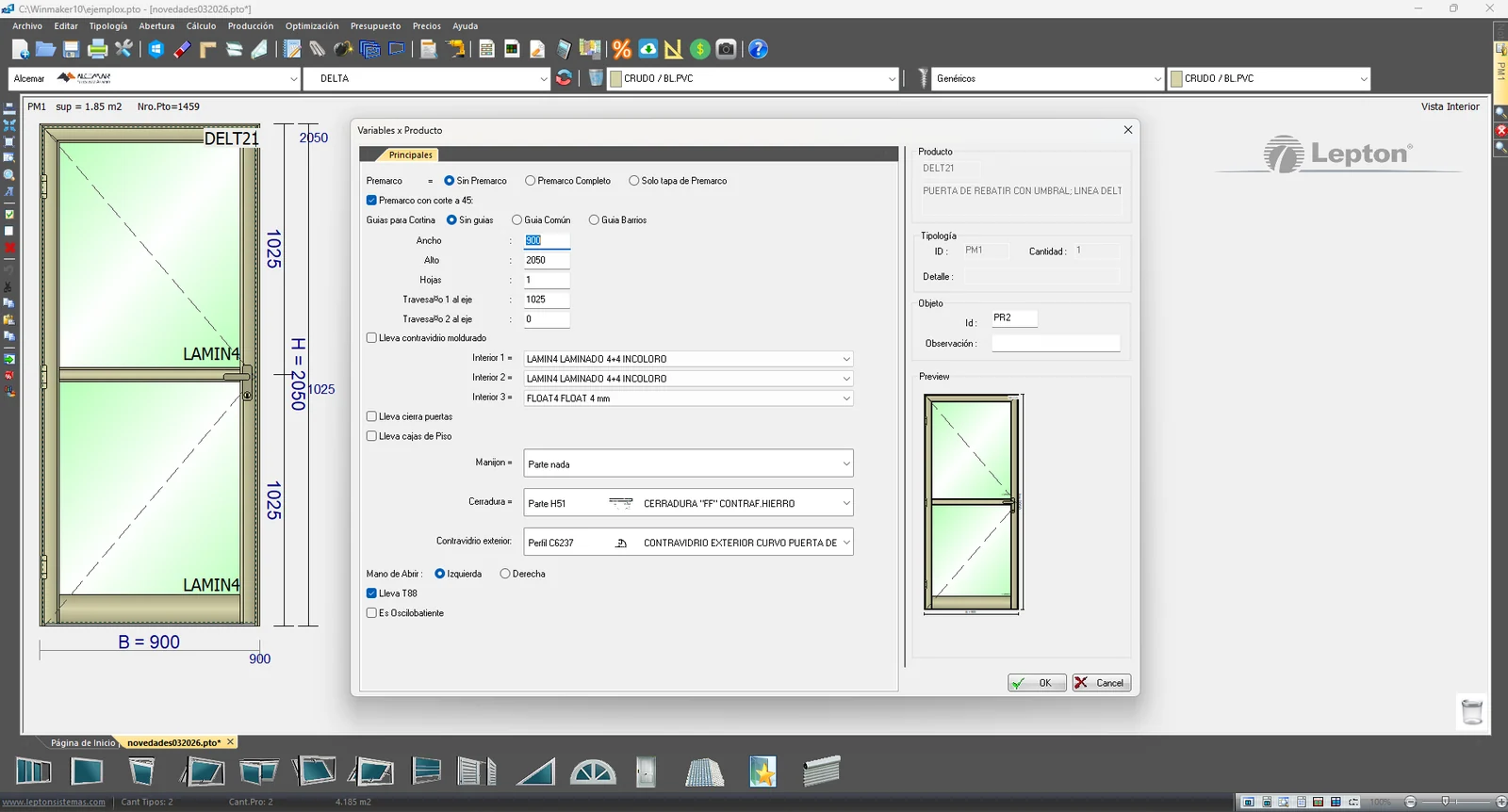
- New product: door with perimeter frame in the Delta range.

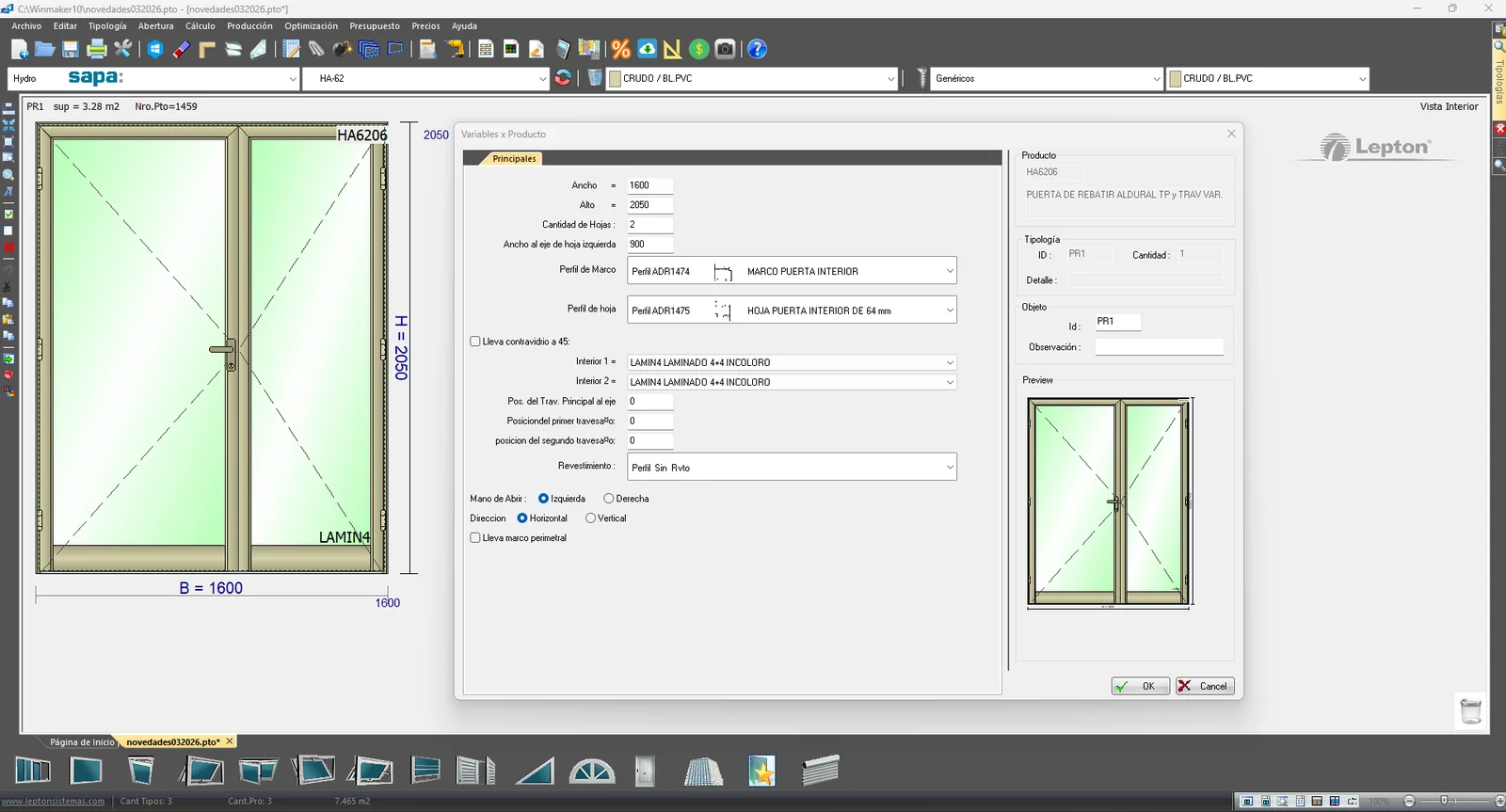
- New product: hinged door with an asymmetrical leaf in HA62.

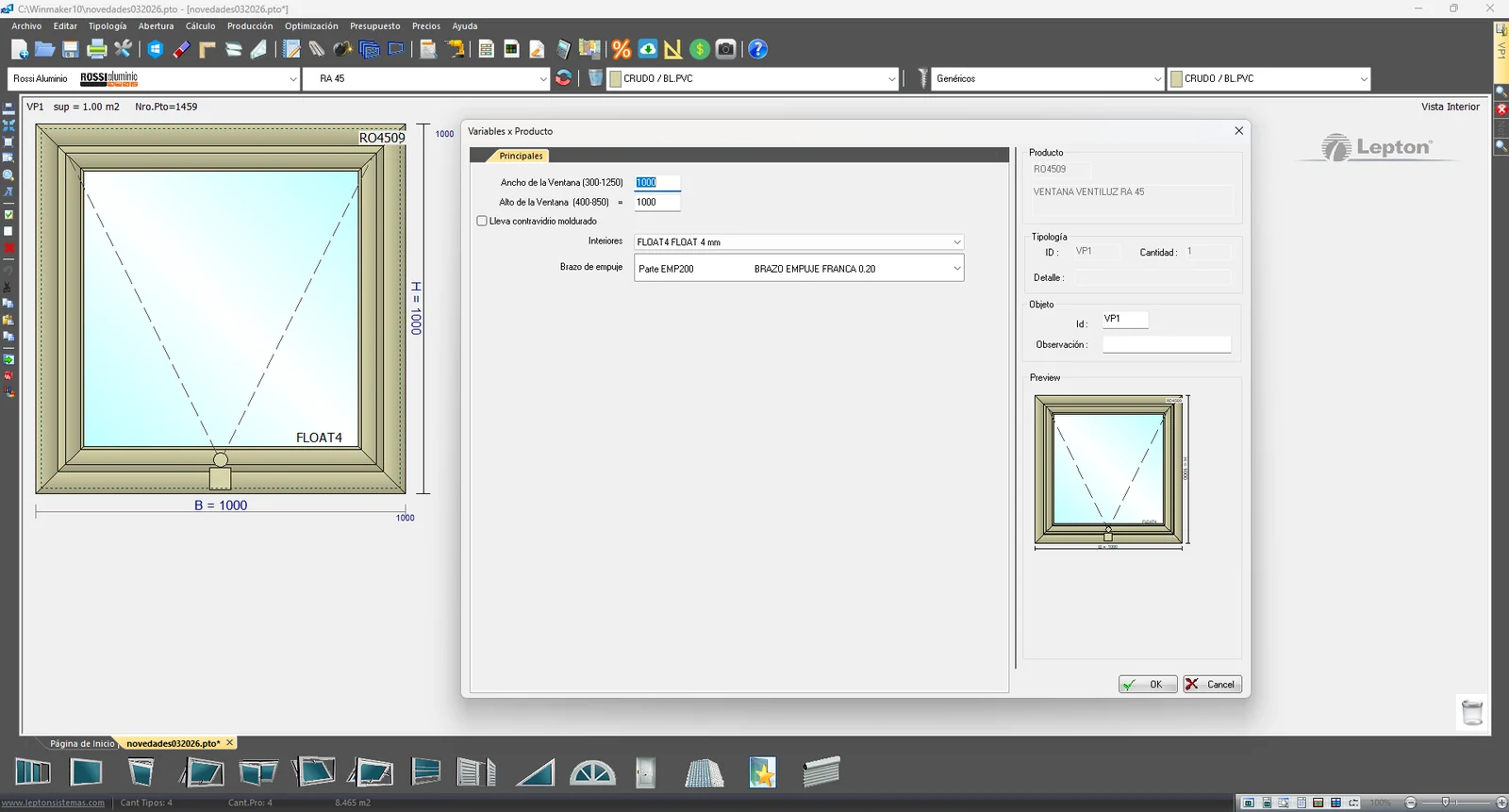
- New product: fanlight in the RA45 range.
We recommend updating the system weekly to:
- Try new features.
- Keep WinMaker, its features and manufacturer product databases up to date.
- Improve performance and stability.
- Ensure compatibility with new Windows versions.
If you ARE NOT subscribed to the after-sales service and would like this version, please contact us.